⌃⌥L
Open the list
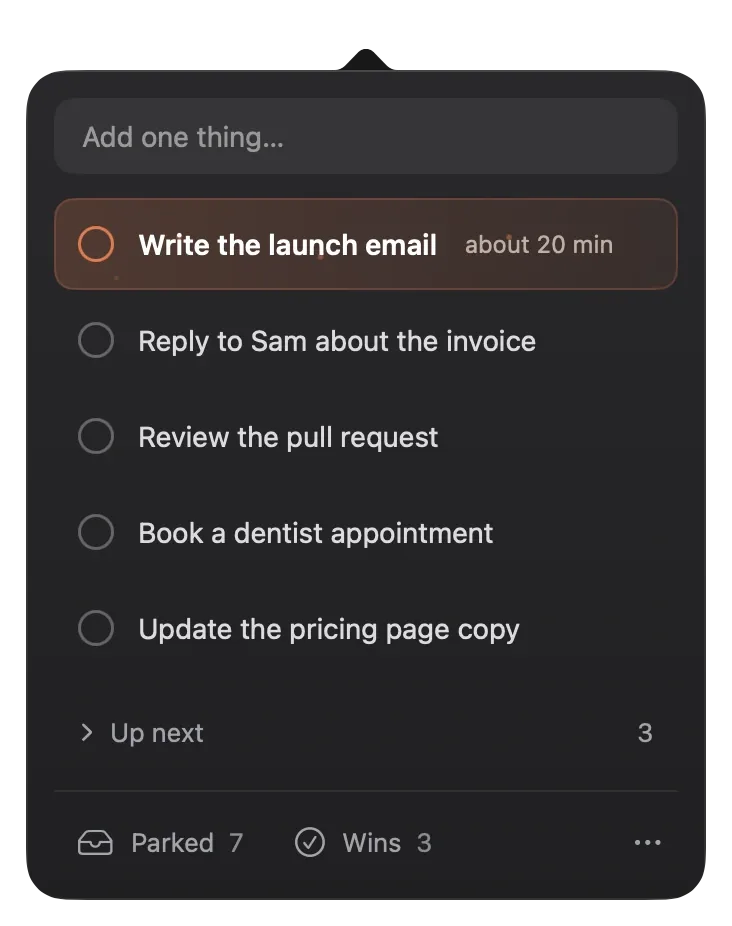
See the short list under your current task, with the add field ready to type.


Sample tasks. The popover is live: click a circle to finish one, or type your own.
One task in the menu bar, a short list under it, and a quiet place for everything else. Nothing to set up, nothing to maintain.
See the short list under your current task, with the add field ready to type.
Type it, press Return, and you're back in your work in about two seconds.
Confetti, a soft chime, and the next task moves in.
Each one stays out of the way until you need it.





Your current task sits above every window in plain system text, next to the Shine mark. It shows no timer, count or red badge.
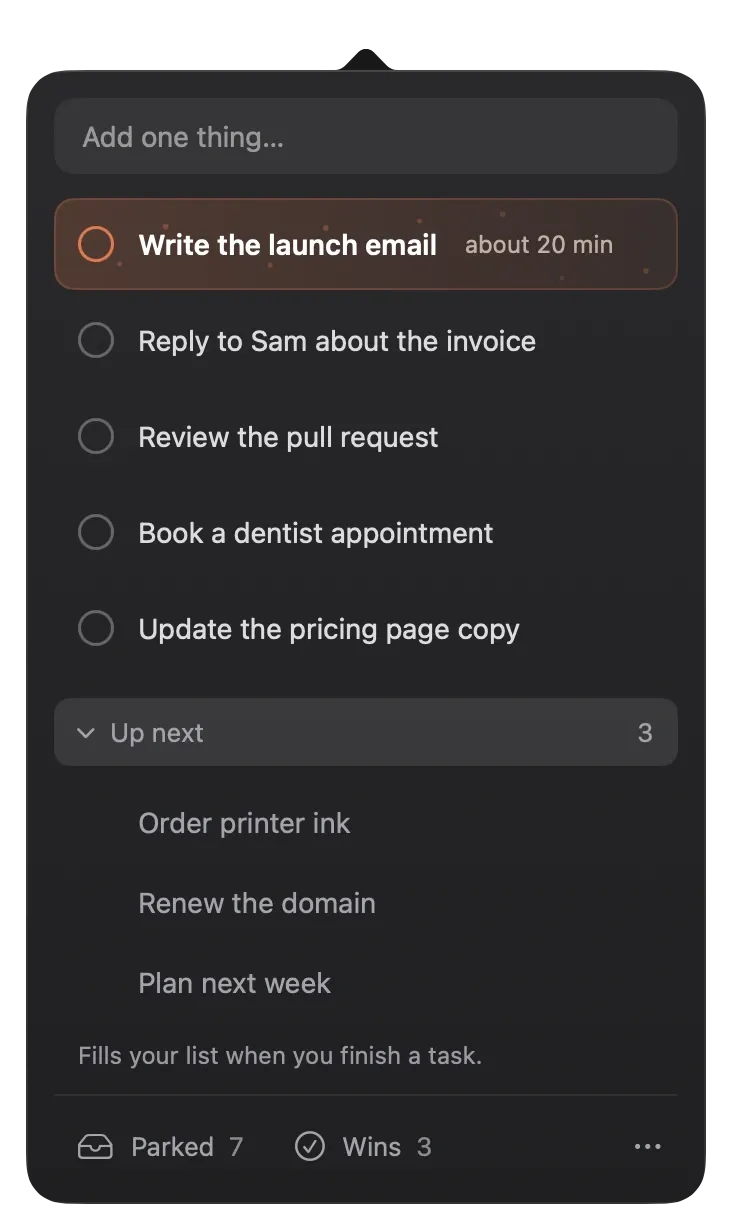
One ordered queue, cut after five rows (you can pick anything from 3 to 10). The rest waits in Up next and moves into the list as you finish.
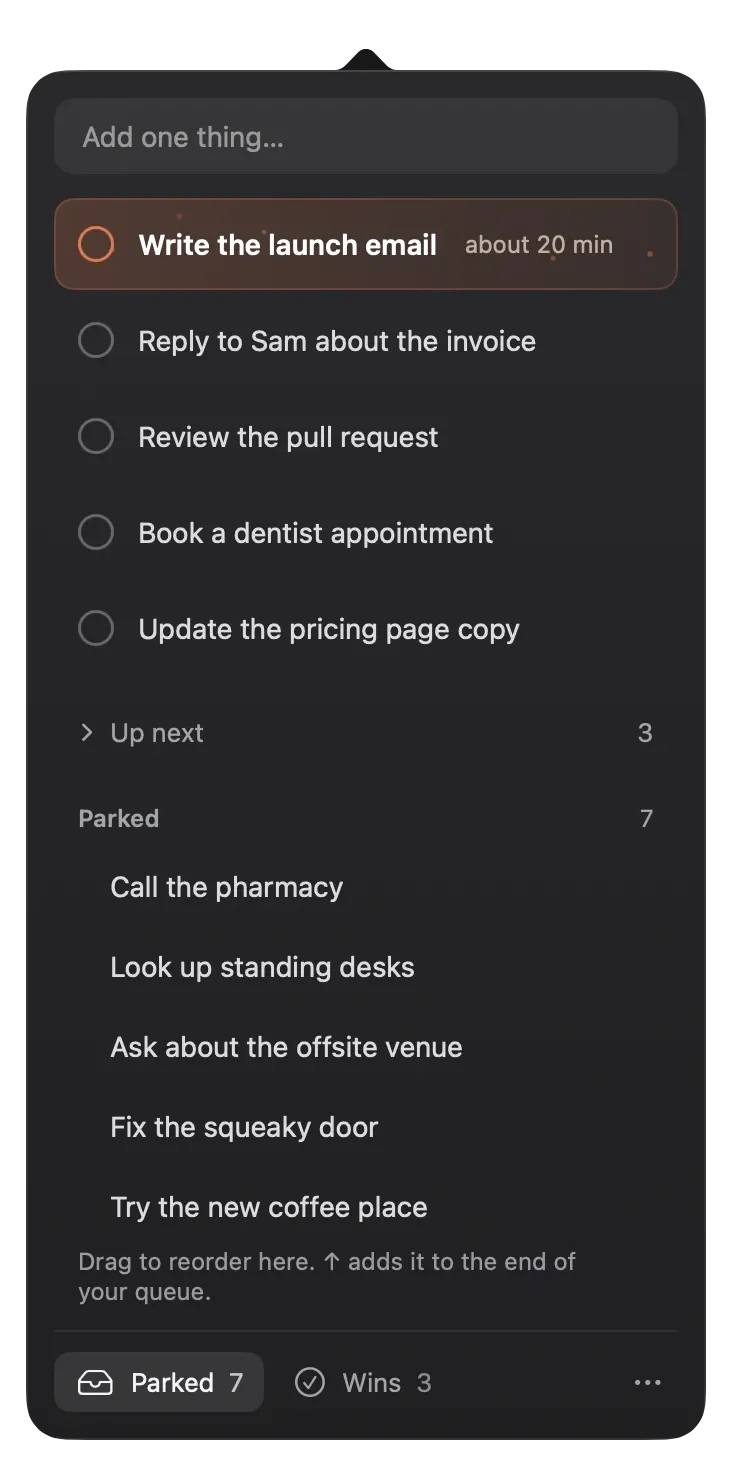
Loose thoughts wait here instead of derailing you. Move one into your queue when it earns a place. The rest fade on their own after 7 days.
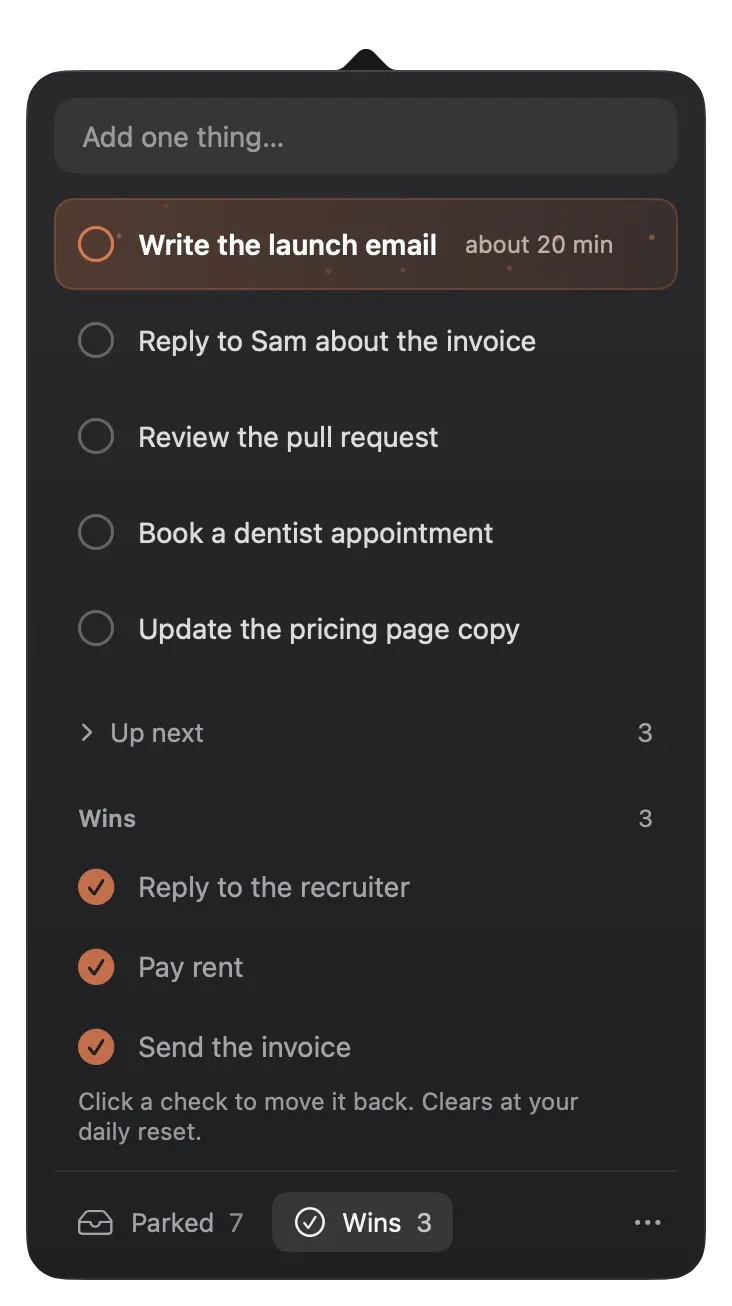
Everything you finish today collects in Wins. Click a check to bring a task back. Wins clear at your daily reset, 4:00 am by default.
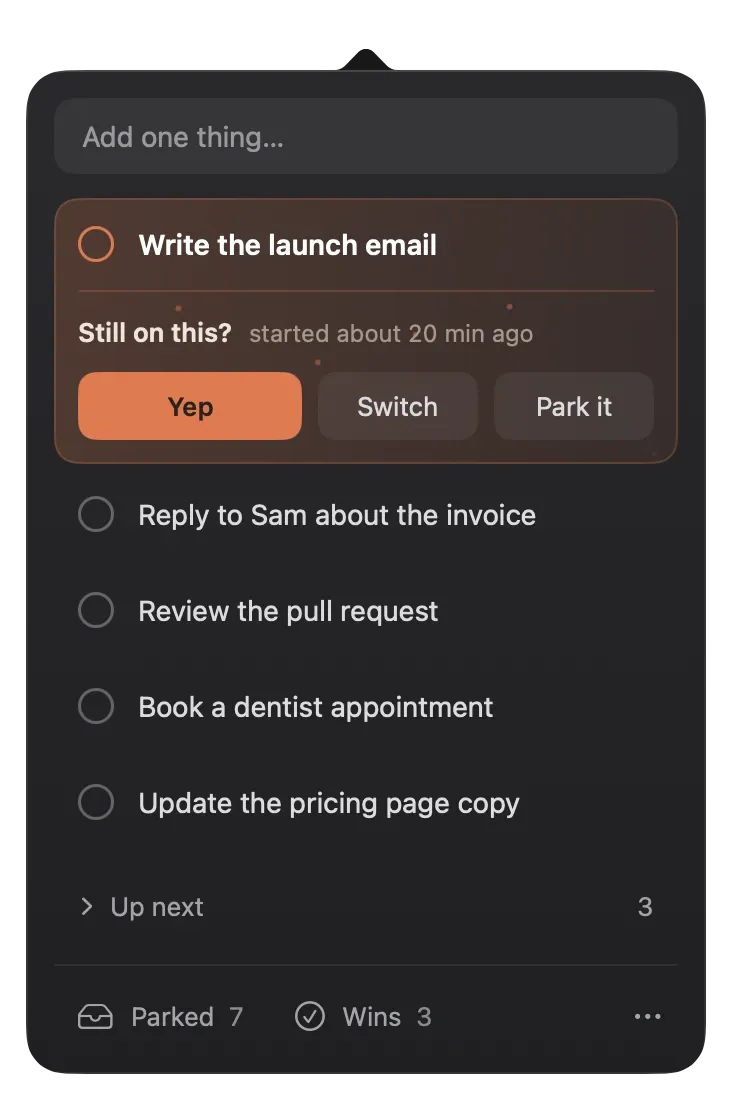
By default, a small dot appears after 45 minutes on one task. Open the list and answer Yep, Switch, or Park it.
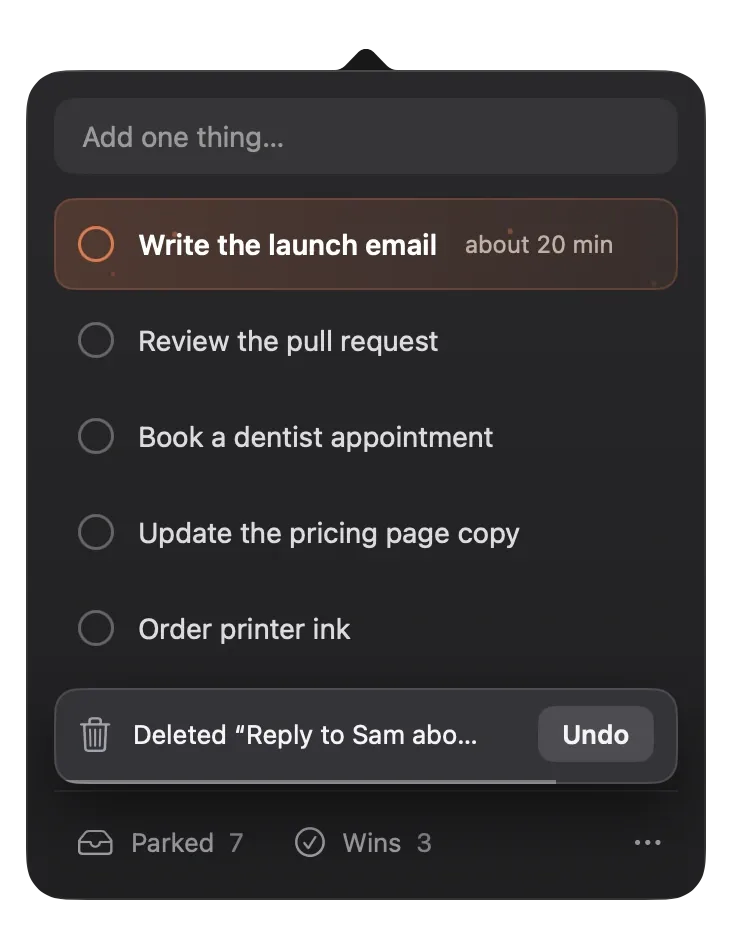
Delete a task by mistake and it returns to the exact spot it left.
Export as plain text, Markdown, or JSON. Import only adds tasks. It does not replace what you have.
Each of these adds something to maintain, so Solodo leaves them out.
One payment covers every feature.
One-time purchase, with a 30-day money-back guarantee.
Lemon Squeezy handles checkout and tax.
Something else? Write to feedback@solodo.app.
A long list is easy to avoid. One task keeps the next step obvious, and everything else shows as a quiet count until you open it.
Solodo does not delete, hide or lock your tasks. If a license is refunded or can't be checked, the app still shows, completes and exports everything you have.
Yes, within 30 days of buying. Write to feedback@solodo.app and ask for your money back.
No. Tasks live in a file on your Mac. The only network calls are the license check and update checks. There are no analytics or tracking of any kind.
Parked thoughts fade on their own after 7 days by default (you can pick 14 or 30). Tasks in your queue do not expire.
Global shortcuts can need a macOS permission. Solodo explains why in one sentence before the system prompt appears, and you can always open the list from the menu bar.
Any Mac on macOS 14 Sonoma or later, Apple silicon or Intel.
Put your next task in the menu bar and let everything else wait.